A Help Center You Can Actually Search
T
Tildai
·
September 23, 2026
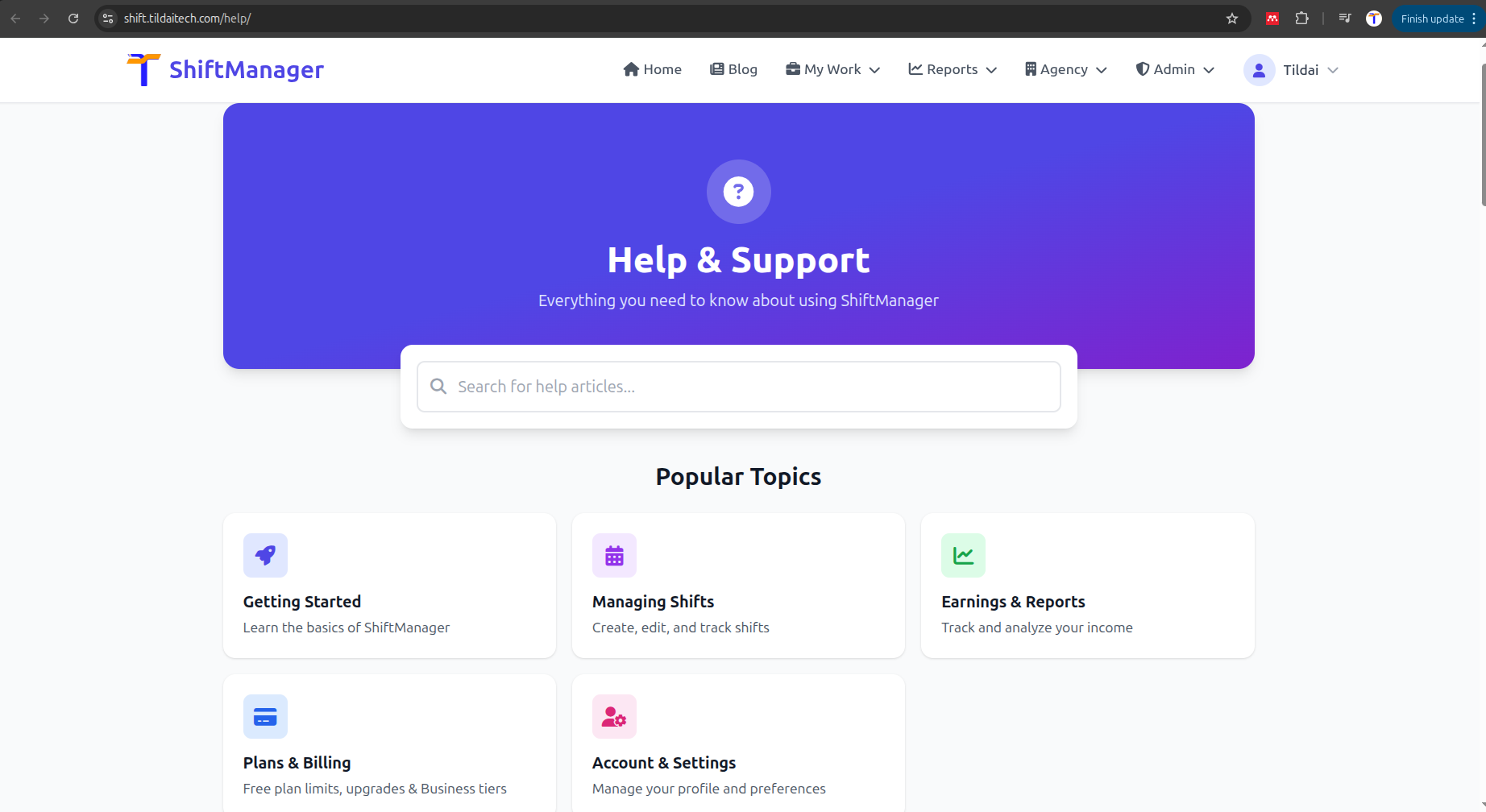
The Help page has been rebuilt from the ground up. Instead of one long page you had to scroll through, it's now organized into topics - Getting Started, Managing Shifts, Earnings & Reports, Plans & Billing, and Account & Settings - with a search box that filters as you type.
Click any topic card to jump straight to that section, or type a few words into the search box and only matching questions stay visible. Click a question to expand its answer; click again to collapse it.
Behind the scenes, the Help Center now runs on the same kind of system as this blog - which means we can add, edit, and reorganize articles quickly as new features ship, instead of a help page slowly falling behind what the app actually does.
Head to the Help Center next time you're not sure how something works. If you don't find an answer, the "Still Need Help?" section at the bottom gets you straight to support.
Comments