Track Your Own Earnings at Any Workplace, From Day One
T
Tildai
·
October 04, 2026
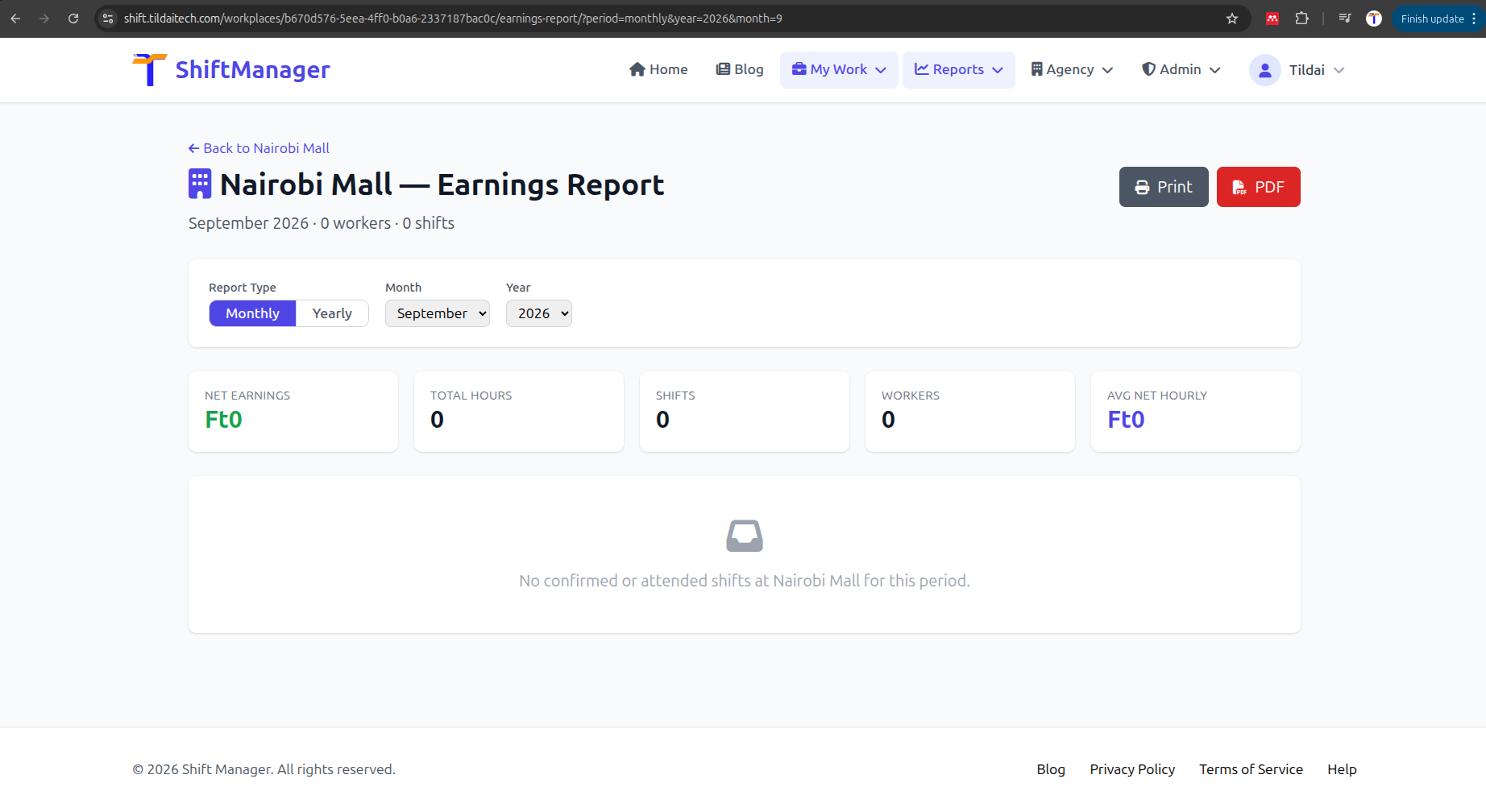
Your existing weekly, monthly, and yearly reports already answer "how am I doing overall" - but they blend every workplace you work at together. Sometimes the question is narrower: since I started at this specific job, what have I actually earned? That's what My Stats is for.
Open any workplace you've ever had a shift at - your own personal workplace or one an agency assigned you to - and you'll find My Stats next to Recent Shifts. It shows, for just you:
Unlike the workplace-wide report managers see, My Stats defaults to All-Time - your whole history at that workplace, from your very first shift there - rather than just the current month. Switch to Monthly or Yearly from the same page whenever you want a narrower window, including a year-by-month trend.
My Stats never shows anyone else's earnings, and nobody else's My Stats shows yours - it's scoped to your own shift history the same way your personal earnings have always been protected elsewhere in the app. No manager permissions needed; if you've worked there, you can see it.
Head to Workplaces, open one you've worked a shift at, and look for My Stats. Print it or download it as a PDF if you want a copy for your own records.
Comments