Introducing Budgeting - Automatically Split Your Monthly Earnings
T
Tildai
·
September 19, 2026
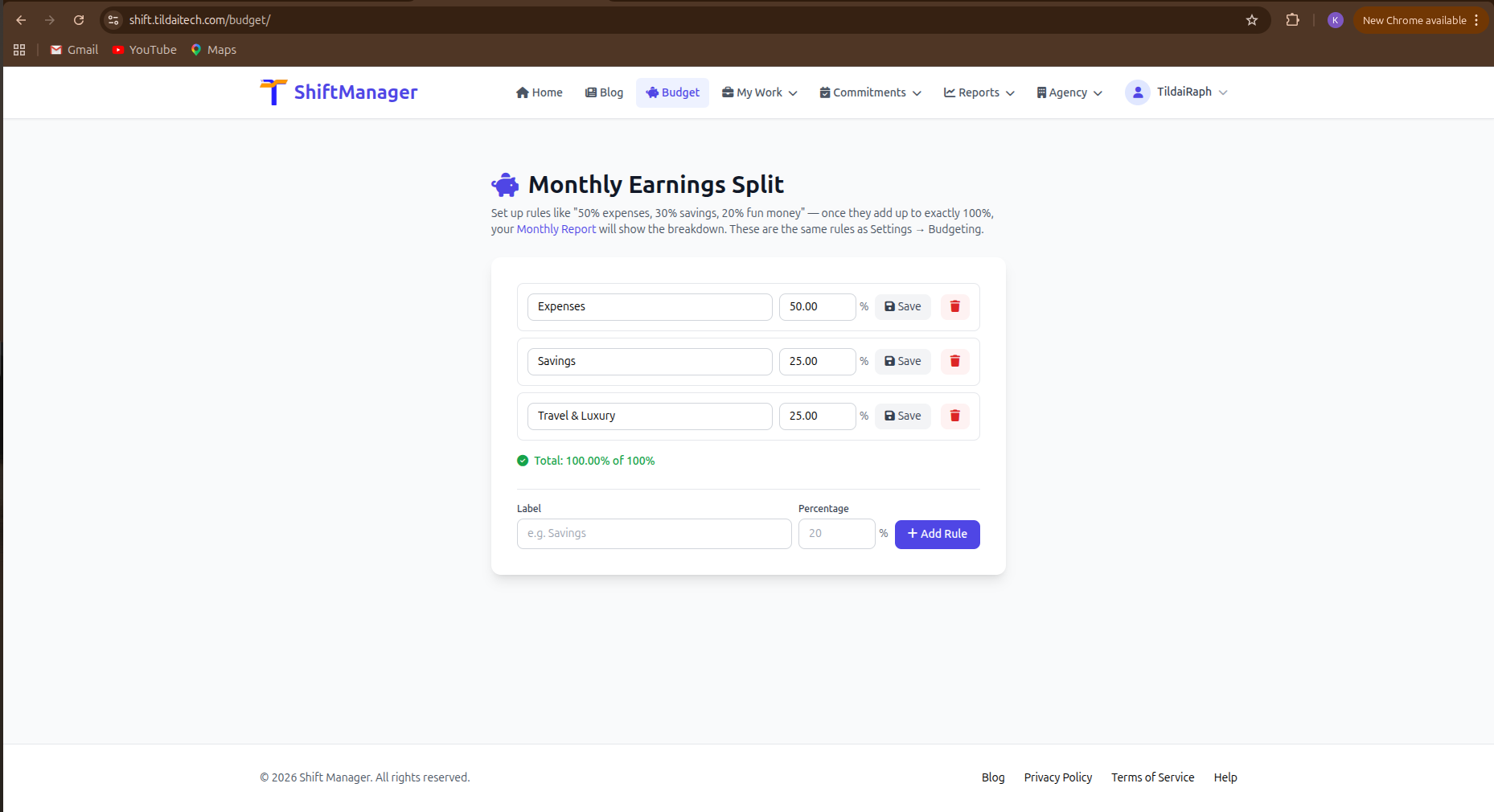
Tracking what you earn is only half the picture. This month, we added a simple way to plan what happens to it once it lands: earnings-split budgeting.
Set up a handful of rules with a label and a percentage - say, 50% expenses, 30% savings, 20% fun money - and once your rules add up to exactly 100%, your Monthly Report shows the breakdown automatically, in your own currency.
Whichever is more convenient: a dedicated Budget page in the main navigation, or the Budgeting tab inside Settings. Same rules, either way - use whichever you happen to be in.
No new spreadsheet, no separate app. Just a percentage split on top of the earnings you're already tracking.
Give it a try this month and see what your split actually looks like.
Comments