Sign In Faster - Google & Apple Sign-In, Plus Two-Factor Authentication
T
Tildai
·
September 16, 2026
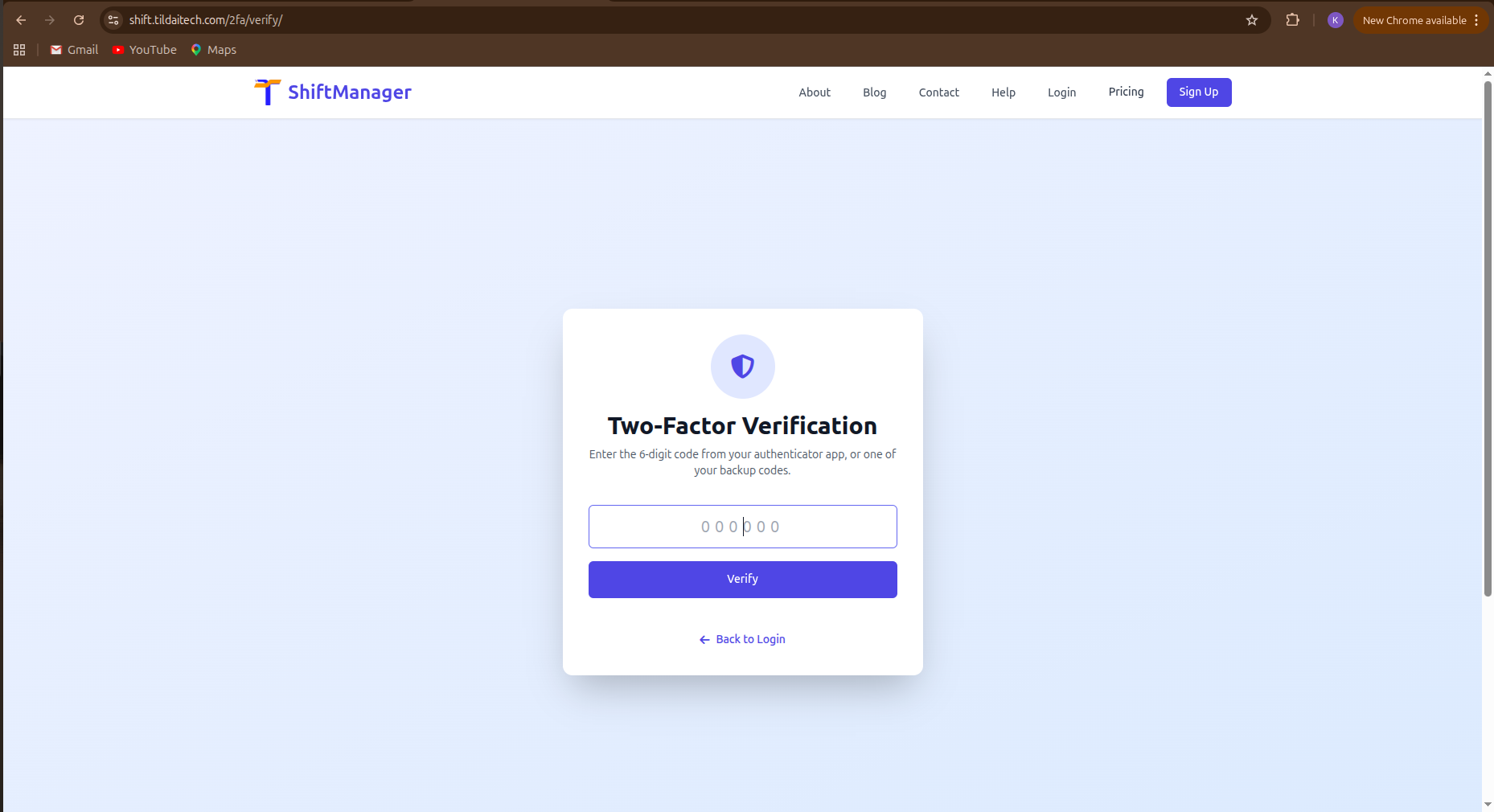
You can now sign in to ShiftManager with your Google or Apple account instead of typing a password. Look for the buttons on the login and sign-up pages - one click and you're in.
If you already have an account and sign in with Google or Apple using the same email address, we connect it automatically. No duplicate accounts, no re-registering, no confusion - just a faster way back in.
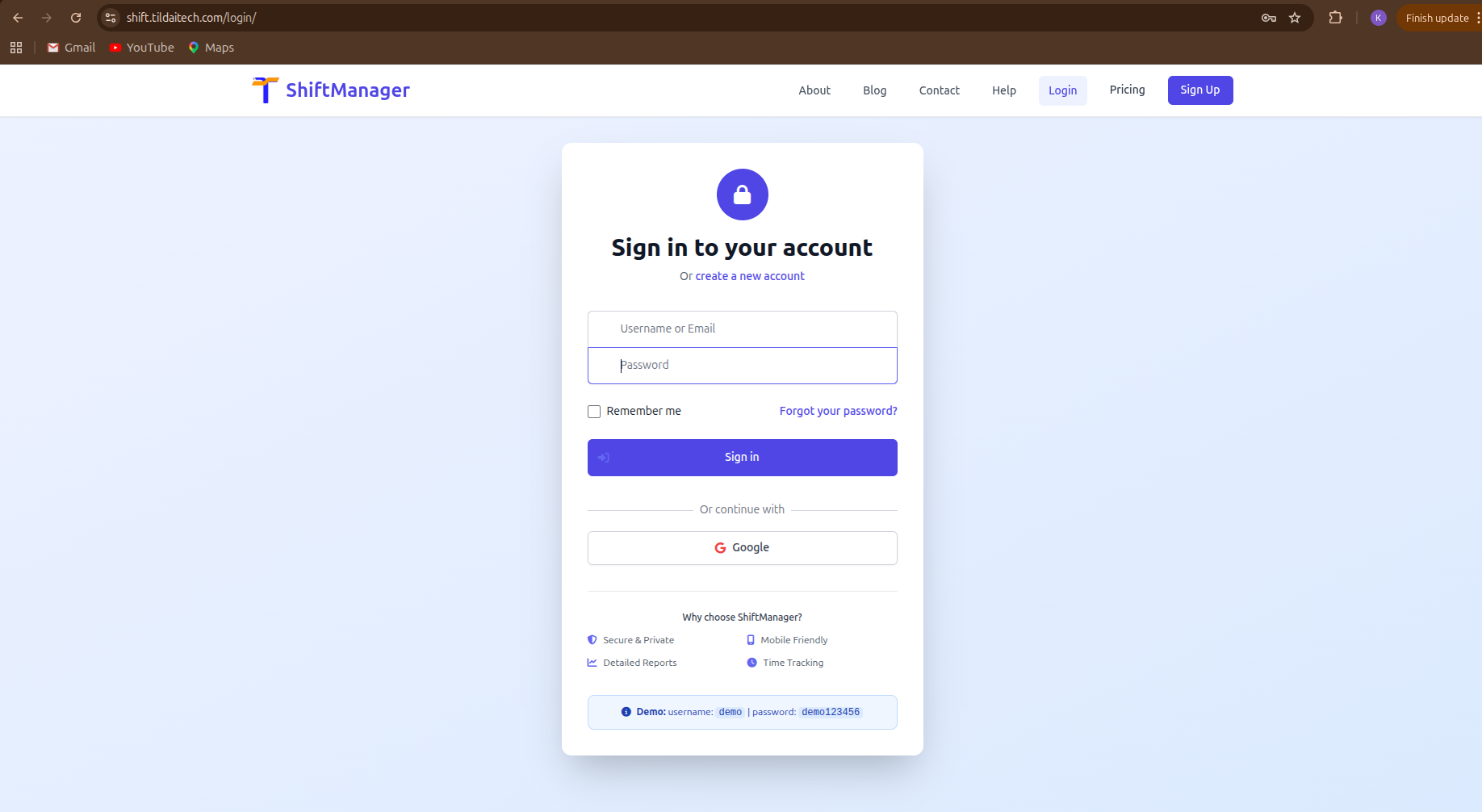
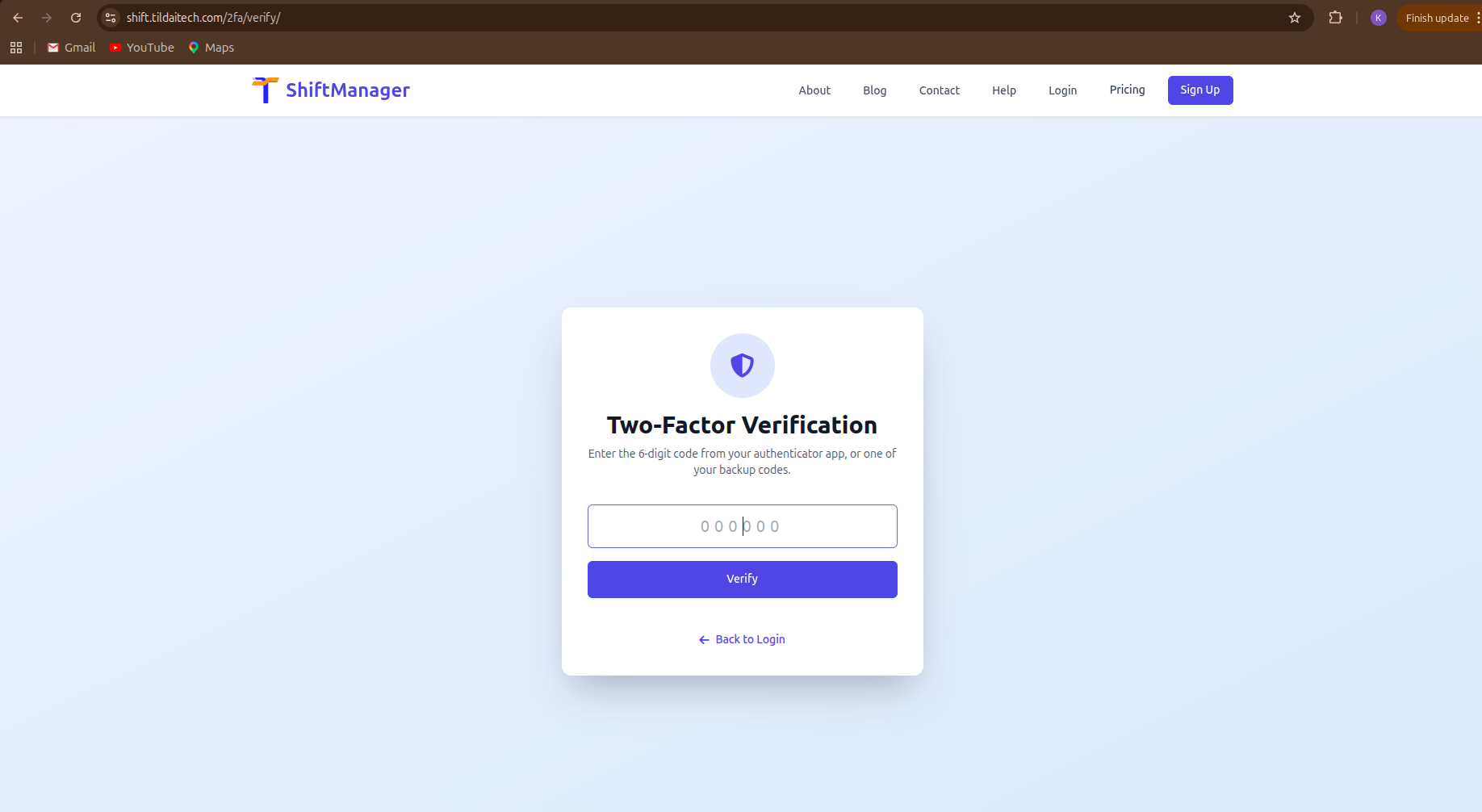
Entering the codes from the Authenticator App following a username and password login
For anyone who wants more than a password standing between their account and the world, we've added proper two-factor authentication (2FA):
It's entirely optional. If you don't enable it, nothing changes for you. If you do, you'll be asked for a 6-digit code right after your password whenever you sign in.
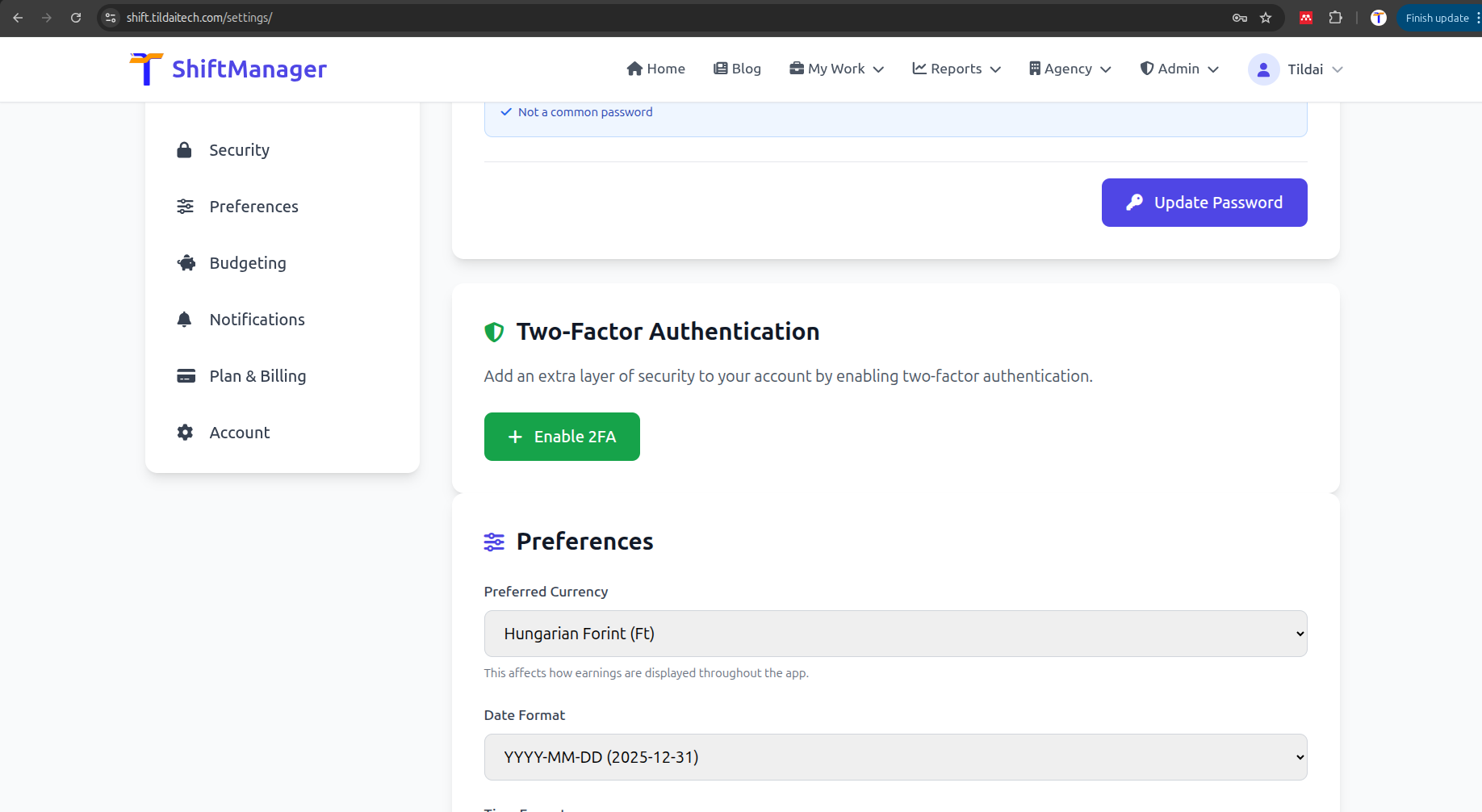
Head to Settings → Security to turn on 2FA, or just use the Google/Apple buttons next time you sign in. Both are live right now.
Comments